LiteGallery / 101 guides · page 4
Articles
Every article in the magazine, newest first.
Why HDR Photos Look Unnatural—and How to Fix Them
HDR photos look natural when tone mapping preserves believable colour and contrast. Spot halos, oversaturation and grunge before they take over.
Famous Landscape Paintings: Photobook Design Ideas
Famous landscape paintings offer practical photobook cues: use Bierstadt for scale, Shishkin for detail and Payne for colour and visual rhythm.
What 5.3K Resolution Means for Cropping and Prints
5.3K resolution means 5312 × 2988 pixels: extra room to reframe video, with a 4:3 image that can be cropped to 16:9.
Double Exposure Photography: How to Control Ghosting
Double exposure photography works best when subject movement, exposure balance and frame alignment are controlled. Compare in-camera and layered workflows.
Portrait Lens Compression: Why Backgrounds Look Closer
A 50mm lens does not compress a portrait by itself: camera distance changes perspective, while focal length helps frame the subject from that distance.
Double Exposure Photography: Camera vs Editing
Double exposure photography can happen in-camera or in an editing app: compare alignment, exposure control and subject choice before choosing a workflow.
Are GoPro Mounts Universal? Fit and Adapters
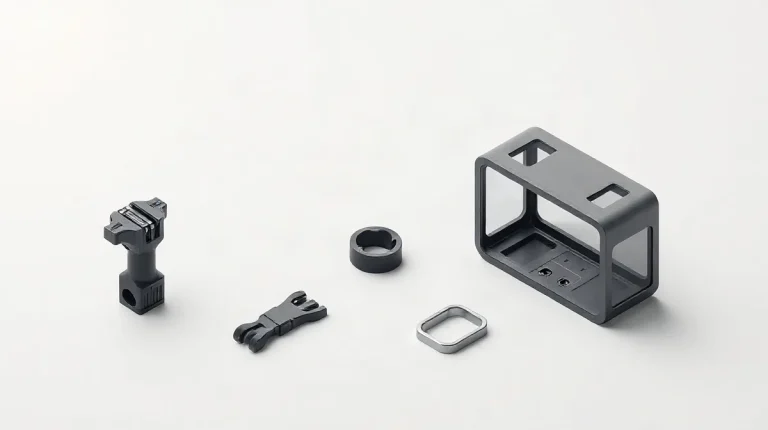
Are GoPro mounts universal? Many use the same two-prong interface, but cameras and accessories can need an adapter. Check the connection before buying.
Why Sensor Dust Appears and How to Spot It
Dust often becomes visible against a bright, even frame at f/16 or f/22. Learn how to check for sensor spots and tell them from scene or lens marks.
HDR Photos: Bracket and Merge Without Halos
Make natural HDR photos by metering the bright and dark parts of a scene, choosing a bracket that covers them, and merging with restraint.
Action Camera Resolution Comparison Chart: Choose a Mode
Compare 4K, 2.7K and 1080p action-camera modes by detail, frame rate, crop and editing load. Choose a setting that fits your footage and delivery.
30 or 40 Megapixels: Enough for Large Prints?
30 or 40 megapixels can make large prints when viewing distance, crop and image quality fit the job. See what 300 DPI really demands.
Client Gallery vs Download Link: Which Works Better?
Choose a client gallery for selection, proofing and print sales; use a download link for simple delivery. Match the method to the job and client.