Double Exposure Photography: Camera vs Editing
- Published
- Reading time
- 7 min read
- Prepared by
- LiteGallery editorial team
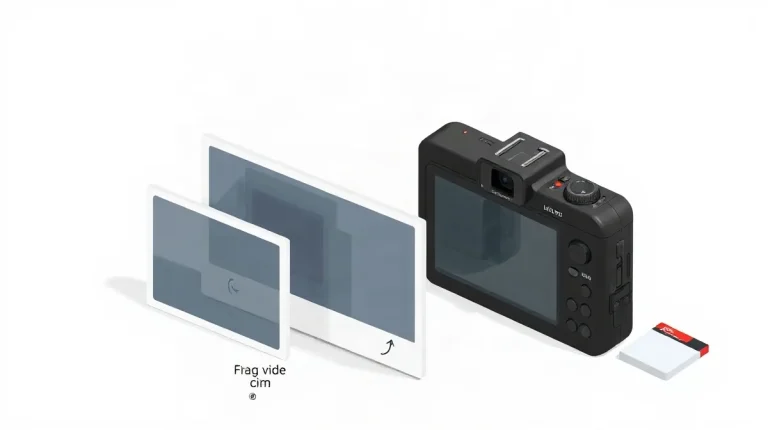
Double exposure photography can be made in-camera by combining two exposures, or in editing by blending separate images in software. The camera approach makes the overlap part of the shooting process; editing offers more control over alignment, opacity and the final composition.
Both methods can create layered images, but they shape the way you work: one asks you to plan and commit while shooting, the other lets you refine the result afterwards. This guide compares camera-based and editing-based double exposure so you can choose the approach that suits your tools and creative process.
| Criterion | In-camera | Editing app |
|---|---|---|
| Where the images combine | Camera capture | Software layers |
| Alignment after capture | Limited | Adjustable |
| Selective masking | Camera-dependent | Layer mask |
| Source-image revision | Limited after capture | Separate layers retained |
What is double exposure photography?
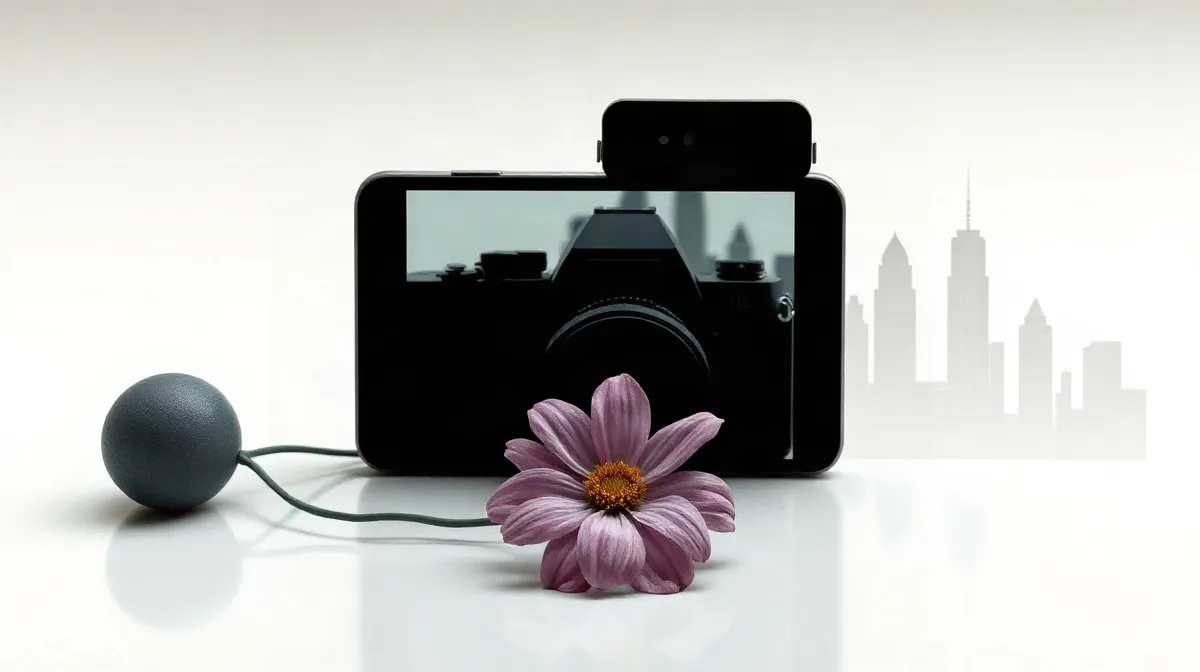
Double exposure photography combines two images into one composite, either by recording them on the same frame in a camera or by blending separate photographs in editing software. A common pairing sets a high-contrast silhouette against a textured scene such as foliage or a skyline: brighter areas in the second image show most clearly where the first image leaves room.
In-camera and editing-app methods
Film cameras can expose the same frame more than once, placing both images directly on one piece of film. A digital camera needs a multiple-exposure feature to combine captures in-camera; without it, the images remain separate until they are blended in software.
An editing-app composite keeps the original photographs on separate layers. That lets you adjust each image’s position and opacity independently, rather than committing to their alignment when the camera records the exposure. The central difference is control: film and compatible digital cameras create the combined frame at capture, while a layered edit leaves the component photographs available for revision.
How does in-camera double exposure work?
Film and digital capture
In-camera double exposure works by recording two or more exposures on the same frame, either by holding film in place between shots or by combining images in a digital camera’s multiple-exposure mode. Use a camera that explicitly offers multiple exposure; menu labels and controls vary by model, so check the manual for the exact steps.
- Film: The first exposure must not advance the film before the next shot. Whether both images land on the same frame depends on the camera’s film-advance mechanism.
- Digital: Select multiple-exposure mode before shooting, then check whether the camera previews the composite or saves the combined image.
With film, the camera’s advance mechanism determines whether a second exposure reaches the frame you intended. With digital capture, the camera may combine the shots automatically, but the result is less adjustable than a layered edit: after capture, you have less freedom to reposition an image or mask parts of it.
How do you make the composite in an editing app?
Make a double-exposure composite by placing both photographs on separate layers in Adobe Photoshop, then aligning them and refining the blend with a layer mask and opacity controls. The layer stack keeps the source images intact, so you can revise how they overlap without altering the originals.
Alignment and masking
In Photoshop, use the transform controls to position the upper photograph: match a face to the outline of a silhouette, or place a horizon where it supports the subject instead of cutting through an important detail. Add a layer mask to hide or reveal specific parts of that upper image, then adjust its opacity to make its texture more or less prominent.
Keep the original image files and save the project in an editable format such as Photoshop’s PSD. A flattened export, such as a JPEG, combines the visible result into one image; it no longer lets you adjust the two source layers separately.
How should exposure and subject choice shape the result?
Exposure and subject choice shape a readable double exposure when the first image has a clearly defined subject against a simple background and the second supplies contrasting detail. A strong silhouette creates a clear area for the other image to fill, rather than letting both subjects compete for attention.
For the second exposure, choose a textured image with distinct light and dark areas, such as leaves against sky. That tonal contrast helps the texture remain visible in the composite; a broadly bright second image can lose detail when placed over bright areas in the first.
Balance the exposures before combining
- In-camera or film composite: Check highlights and shadows in the camera preview, since a mismatched pair offers less opportunity for correction after capture.
- Editing-app composite: Inspect the layers’ bright and dark areas, then adjust exposure and opacity after capture to keep both images legible.
In either workflow, watch for bright regions in both images: they can compete and flatten the result. The aim is not simply to make each frame attractive on its own, but to preserve a distinct subject and visible texture once the exposures overlap.
When does double exposure fail, and what are the trade-offs?
Double exposure fails when both frames carry competing detail, their edges do not align, or bright areas pile up; the choice between an in-camera composite and an editable blend also determines how much can be revised later. A crowded portrait layered over a busy street, for example, can lose its subject among signs, faces and architecture. Simplify one frame before combining them, or use a layer mask in Adobe Photoshop to reveal parts of the original and restore separation.
Check alignment and brightness before blending
Faces and buildings make misalignment easy to spot: doubled eyes, an uneven jawline or offset roof edges can look accidental. Editing software lets you reposition a layer to line up those features, while a camera-made composite may leave less room to correct the placement afterward. Repeated bright regions can also wash out detail; inspect highlights in both source photographs before blending rather than expecting opacity adjustments alone to solve the problem.
- In-camera: The composite is made directly in the camera, but later revisions are limited if the source frames or separate layers are unavailable.
- App-based blending: Editing takes more work, but keeping the original photographs and editable layers preserves options to reposition, mask or rebalance the composite later.
Which double-exposure workflow should you choose?
Choose in-camera multiple exposure when your camera offers the feature and you want to compose and review the blend as you make it; choose an editing app when precise alignment, selective masking or separate exposure adjustments matter more. The better workflow depends on whether you value feedback during capture or detailed control afterward.
- In-camera: Use the camera’s multiple-exposure mode to combine a silhouette with a textured second frame and check the preview before moving on. With film, account for how the camera advances the frame: that mechanism determines how the next exposure lands on the same piece of film.
- Editing app: Combine the same silhouette-and-texture pairing as separate layers when you need to reposition elements, mask parts of either frame or adjust their exposures independently. Keep the layered project, not just the flattened final image, so you can revise the blend later.
Test both with the same pairing
A silhouette against a textured frame makes a useful side-by-side test because it exposes differences in preview, control and revision. Make the pairing once in camera and once in an editing app, then compare how easily each workflow places the texture, preserves the silhouette and supports changes after the blend is made.