HDR Photos: Bracket and Merge Without Halos
- Published
- Reading time
- 7 min read
- Prepared by
- LiteGallery editorial team
To create HDR photos without halos, bracket exposures that preserve highlight and shadow detail, align the frames, and merge them with restrained tone mapping. Keep edges natural by avoiding extreme local-contrast adjustments and checking bright-dark boundaries at full size.
Bracketing captures a scene’s tonal range across separate exposures; merging combines the useful detail into one image. The challenge is not simply to reveal everything, but to do so without bright outlines, dark fringes or an overprocessed look. This guide explains how to balance capture and editing for a believable result.
| Approach | Best fit | Main caution |
|---|---|---|
| Single RAW | One exposure retains needed highlights and shadows | Check for clipped highlights and noisy shadows |
| Shutter-speed bracket | Static scene with a fixed-aperture requirement | Moving subjects can ghost between frames |
| Wider EV spacing | Scene contrast exceeds the first bracket | Inspect overlap and avoid an unnatural tonal result |
| Restrained tone mapping | Natural-looking highlights and shadows | Too much local contrast can create halos |
What does HDR mean in photography?
HDR in photography means high dynamic range: combining exposures to preserve detail in both bright and dark parts of a scene. A bracket is a group of frames made at different exposure values (EV); merging those frames gives the photographer more recorded tonal information to work with than a single exposure may provide.
Bracket versus single RAW
A bracket is not automatically more natural than one RAW file: the merged image’s appearance depends on tone mapping, which shapes highlights, shadows and local contrast. Before making extra exposures, compare a single RAW with a bracket of the same scene; if the RAW retains the needed detail in both bright and dark areas, a bracket may add little.
- Single RAW: use it when the file retains the scene’s important highlight and shadow detail.
- Bracket and merge: consider it when one exposure cannot preserve detail across the bright and dark areas you need.
- Tone mapping: check whether the merged highlights, shadows and local contrast look natural; a merge alone does not guarantee that result.
How do you meter a scene before bracketing?
Protect important highlights
Meter the scene from its brightest important detail, then check whether the shadows you want to keep need another exposure. Use the camera’s meter or histogram to assess a bright window or cloud, and set exposure so that detail is not clipped. A histogram can show that highlights are running out of room, but the scene itself determines which bright areas matter.
Decide what the shadows need
Judge dark areas by whether their detail matters to the photograph: a dark doorway may need visible texture, while foliage can remain nearly black. Once important highlights are protected, check the darkest wanted detail; if it is lost at that exposure, include another frame in the bracket. This distinction prevents you from adding exposures just to reveal every shadow.
- Bright window or cloud: protect visible detail; do not let an important highlight clip.
- Dark doorway: add a frame if its wanted detail disappears in the highlight-protecting exposure.
- Foliage: let it stay nearly black if its shadow detail is not essential.
Keep aperture fixed across bracketed frames when consistent depth of field matters, and vary shutter speed instead. That preserves the scene’s focus depth while changing how much light each exposure records.
How far apart should bracketed exposures be?
Bracketed exposures should be spaced far enough apart to cover the scene’s contrast, but not so far that the merged frames lose useful overlap. There is no universal EV interval: the right spacing depends on how bright the highlights and dark the shadows are, and on how much usable detail your camera records in each.
Start with a modest bracket, then inspect its brightest and darkest frames. If important highlight or shadow tones are still missing, widen the EV gap and check again; if both ends retain the detail you need, keep the narrower spacing, which gives the merge more overlapping information.
Keep aperture consistent when depth of field matters
When a fixed aperture is important, change exposure with shutter speed so depth of field stays consistent across the bracket. Changing aperture can alter depth of field between frames, making alignment and blending less consistent; shutter-speed changes avoid that particular difference.
How do you merge HDR photos without halos?
Check edges before export.
Merge the bracketed frames in an HDR-capable editor, then inspect the boundaries between bright sky and dark buildings or trees; reduce local contrast or the HDR strength if bright outlines appear. These transitions are where halos become easiest to spot, so judge the actual edges rather than relying on the overall impression.
Keep the brightest tones luminous and the deepest shadows dark enough to preserve the scene’s sense of light. If recovering shadows makes the image look flat, ease off rather than lifting every dark area; HDR should hold detail across the bracket, not erase the contrast between light and shade.
- Fit-to-screen view: Check the whole frame for an unnatural bright rim around a building or tree against the sky.
- Close zoom: Inspect the same high-contrast edges at magnification; a small preview can conceal halos.
When does HDR bracketing fail or create trade-offs?
Movement and flat tone mapping.
HDR bracketing can fail when subjects move between exposures, or when a very wide bracket forces tone mapping into an unnaturally even result. A moving person, leaves and water may occupy different positions in each frame, so merging the exposures can leave ghosting or blurred edges.
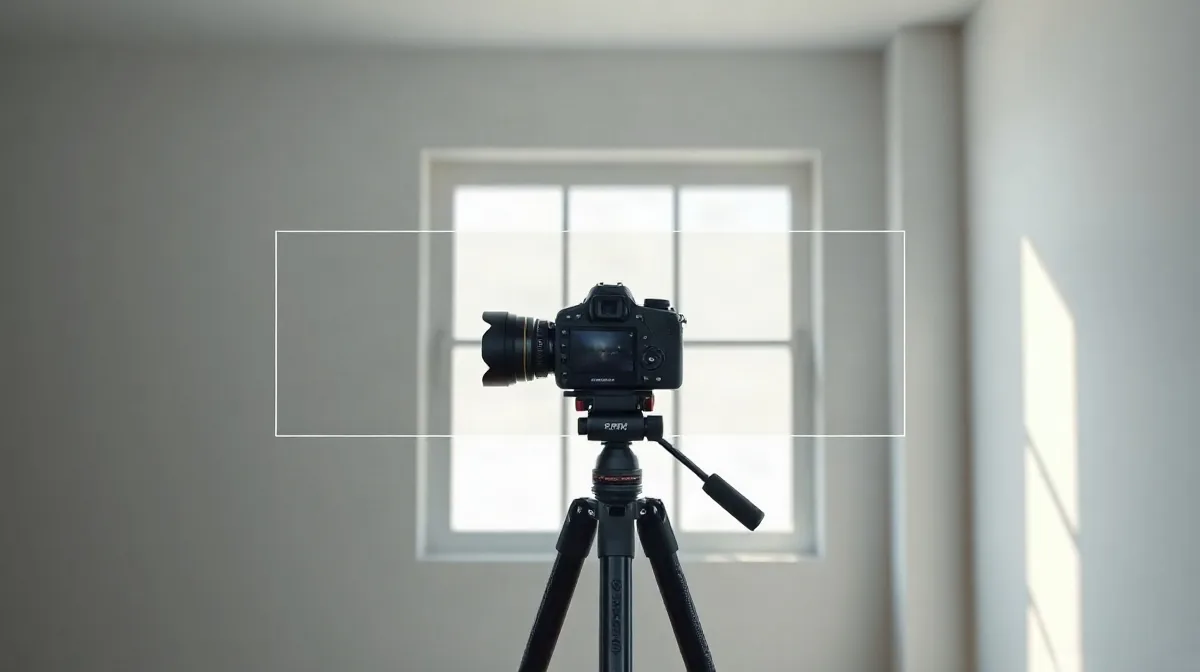
A tripod can keep a static composition aligned, but it cannot freeze motion within the scene. Before merging, check whether the person, foliage or water lines up across the bracket; if not, use a single exposure for those moving areas or choose a frame that handles them cleanly.
- Moving scene: A person, leaves or water can shift between bracketed frames, creating ghosting even when the camera is on a tripod.
- Very wide bracket: Lifting every shadow and compressing every highlight can flatten the scene’s tonal contrast rather than make it look more natural.
- One RAW frame is enough: If a single RAW exposure already retains the highlights and shadows you need, a multi-frame merge adds processing steps without a clear image-quality gain.
How should you judge the finished HDR image?
Judge a finished HDR image by comparing it with the original bracket frames, then checking whether the merge preserves detail and believable brightness relationships. The frames reveal whether a bright area was captured before it clipped or a dark area before lifting exposed noise; the HDR result alone can conceal both problems.
Check the merge before exporting
- Highlights: Compare bright windows and other light sources with the bracket frame that records them. If the HDR version turns their detail into featureless white, the merge has clipped the highlights.
- Shadows: Inspect dark areas against the original frames for grain or colour noise introduced by lifting them. A brighter shadow is not automatically a better one if it looks visibly rough.
- Movement and edges: Look for doubled or smeared detail where something moved between exposures, and for bright or dark halos along high-contrast boundaries. Pay particular attention to edges that received strong local contrast adjustments.
- Tonal hierarchy: Keep a sunlit window brighter than the shaded room around it. If both areas look equally bright, the image may feel flattened even when detail remains visible.
Before exporting, review the whole image for a coherent tonal balance, then inspect the adjusted edges closely at an enlarged view. Compare any doubtful area with the relevant bracket frame; make the final decision from both the scene’s overall appearance and the detail the source exposures actually contain.