How to Soften Flash with a Diffuser and Reflector
- Published
- Reading time
- 7 min read
- Prepared by
- LiteGallery editorial team
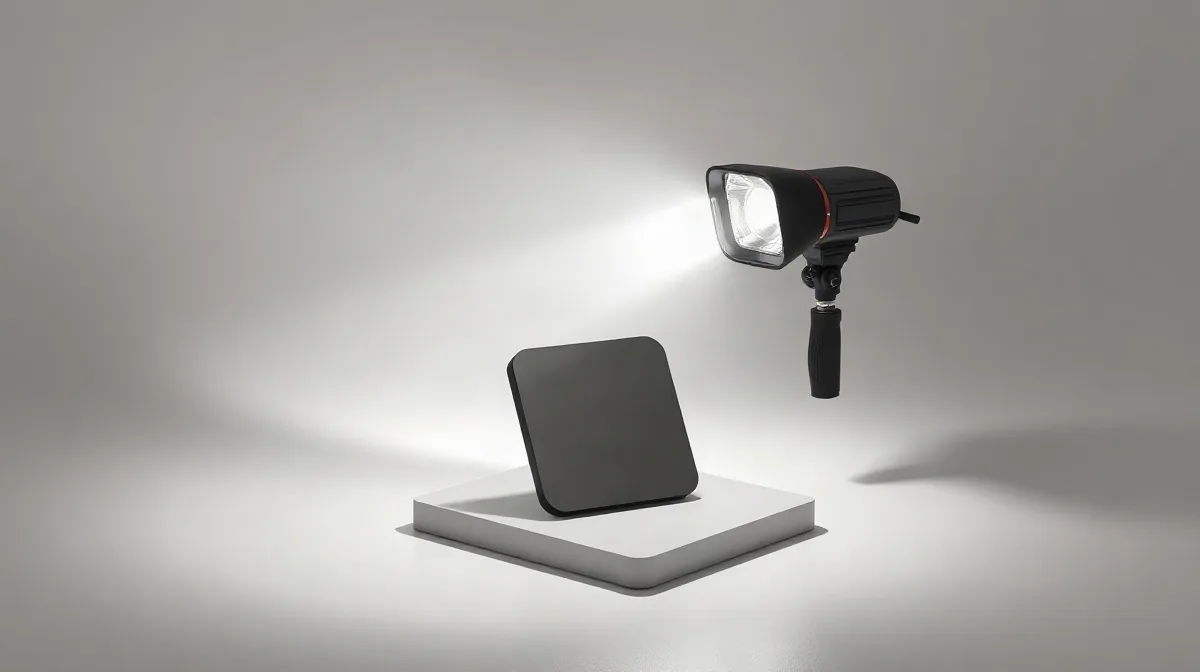
Soften flash by enlarging its apparent light source with a diffuser, then use a reflector to bounce some light back into the shadows. The diffuser spreads and softens the flash; the reflector lets you guide the fill, balancing contrast without adding another light.
A diffuser and reflector are simple tools, but their placement matters: move them closer or farther from the subject to change how the light falls and how strong the shadows appear. This guide explains how to use both to make flash lighting softer and more controlled.
| Tool or surface | How it handles light | Use |
|---|---|---|
| Diffuser | Transmits light | Softens the main light |
| White reflector | Bounces light | Fills shadows |
| Black reflector | Creates negative fill | Deepens shadows |
| Translucent reflector | Transmits light | Works as a diffuser |
What does a flash diffuser change?
Diffusion versus reflection
A flash diffuser softens light by letting it pass through material placed between the flash and the subject; a reflector instead bounces light back onto the subject. A diffuser changes the light reaching the subject, while a reflector redirects it to lift shadows.
- Push-on flash diffuser: It spreads light from the flash, but its small size does not automatically make it a large soft source. The apparent size of the light source and its distance from the subject also matter.
- Reflector: It returns light toward the subject rather than transmitting light through a panel, so use it when you want to add fill to shadows.
A diffuser on the main flash is useful when direct flash looks harsh. Keep the subject’s position and the background in view: changing the light on the subject does not by itself change how the background is lit, and the flash-to-subject arrangement affects the result.
How do you combine an off-camera flash and reflector?
Main light first
Combine an off-camera flash and a diffuser by placing the diffuser between the flash and your subject, then using the softened flash as the directional main light. Keep the diffuser in the flash-to-subject path so the light passes through it before reaching the subject.
For a bounce setup, angle the external flash toward a nearby surface rather than pointing it directly at the subject. The flash then reaches the subject indirectly; the diffuser softens the main light, while the reflector can return light to the shadows.
Reflector second
Place a reflector on the shadow side of the subject to redirect some of the flash or available light back onto them. Move it while watching the shadow it fills: changing its position changes the direction of the bounced light and therefore where the fill falls.
- Diffuser: between the off-camera flash and the subject; it softens the main light.
- Reflector: on the shadow side; it redirects light into the shadows rather than transmitting it.
Where should the diffuser and reflector go for a portrait?
Place the diffuser between the flash and the portrait subject, then set the reflector on the opposite side of the subject from the main light. The diffuser softens the light that reaches the person; putting it behind them cannot soften the flash on its way to them. Keep the reflector as a separate fill source rather than using it instead of the diffuser.
Diffuser size and distance both affect the light: a larger diffuser close to the subject produces softer light than a small diffuser farther away. In practice, place the diffuser near the subject while keeping it between the flash and the subject, and adjust its position to control how much of the scene it covers.
Choose the reflector surface for the shadow effect
- White reflector: Place it opposite the main light to bounce light back into the shadows and provide fill.
- Black panel: Place it opposite the main light when you want less reflected fill; it creates negative fill and deepens shadows instead of brightening them.
When does this setup fail or create unwanted results?
A diffuser-and-reflector setup fails when the diffuser does not make the flash’s apparent light source meaningfully larger, the reflector cannot catch light to bounce, or the flash still points straight at the subject. In those cases, the light can remain harsh, the shadows can stay unfilled, or the portrait can gain unwanted contrast.
Check the direction of the light.
- Diffuser: A small diffuser attached to a flash may spread the light, but it does not automatically make it soft. If it does not enlarge the apparent source, the shadow edges may remain hard; a larger diffuser placed between the flash and subject changes the light source more substantially.
- Reflector: A reflector must face light it can redirect toward the subject. Turned away from that light, it cannot brighten the shadow side, so check both the incoming light and the reflector’s aim.
- Black reflector: Black material absorbs light rather than bouncing it back. Use it as negative fill when you want deeper shadows and a more dramatic portrait, not when the goal is bright, even fill.
- External flash: Pointing the flash directly at the subject preserves frontal, hard-looking light. Angle it toward a bounce surface instead; if the flash continues to fire straight forward, the diffuser-and-bounce approach cannot deliver its intended change.
Which reflector surface should you choose?
Choose a white reflector to bounce light back into shadows, a black surface to deepen them with negative fill, and a translucent panel to diffuse light by placing it between the light source and the subject. The right choice depends on whether the panel should bounce, absorb or transmit light—not simply on whether it is called a reflector.
- White surface — bounce: Position it opposite the flash-lit side of the subject to return some light into the shadows. It adds fill rather than blocking the light.
- Black surface — absorb: Place it beside the subject where you want less reflected light and deeper shadow. A black panel creates negative fill; it does not illuminate the subject.
- Translucent surface — transmit: Put it between the flash and the subject. Light passes through the panel, which diffuses the source instead of bouncing light back like a white reflector.
For a softened flash portrait, use the translucent panel in front of the flash to diffuse the main light, then add a white reflector where shadow detail needs lifting. Swap the white panel for black when the aim is stronger contrast. Treat each surface as a tool for a distinct job: transmit light through a diffuser, bounce it with white, or absorb it with black.
How can you check the setup before taking portraits?
Check the setup by changing one light modifier at a time and watching the subject’s shadows. Keep the diffuser between the flash and the subject, then move the reflector separately: if the shadow side brightens as you reposition it, the reflector is returning light; if it does not, check that its reflective panel faces the light source.
Compare the subject’s shadow with the diffuser in place and removed, without changing the flash position. A softer source should give the shadow a less sharply defined edge; if the edge stays hard, a small push-on flash attachment may not be spreading the light enough. The diffuser’s placement matters: it needs to sit between the flash and the subject to soften the light passing through it.
If the flash still looks hard
Try a larger diffuser closer to the subject, keeping the flash behind it, and assess the shadow again before adjusting the reflector. A larger, nearby diffuser can create softer light than a small attachment on the flash; treating the two as equivalent can leave the portrait’s shadows unchanged. Once the diffuser’s effect is clear, reposition the reflector to add fill without confusing its contribution with the diffuser’s.
Frequently asked questions
Does a black reflector brighten shadows?
What this piece draws on
- kastlite.com — “How to Use a Light Diffuser in Photography”
- adorama.com — “FAQ: What is a Flash Diffuser and How Do You Use It?”
- photographylife.com — “What Are Diffusers in Photography, and How to Use Them?”
- digital-photography-school.com — “Reflector Photography: How to Use a Reflector for Stunning Portraits”
- photo.stackexchange.com — “When and how to use a push-on flash diffuser?”