Build187: Creating Dynamic Image Albums and Galleries
- Published
- Reading time
- 6 min read
- Prepared by
- LiteGallery editorial team
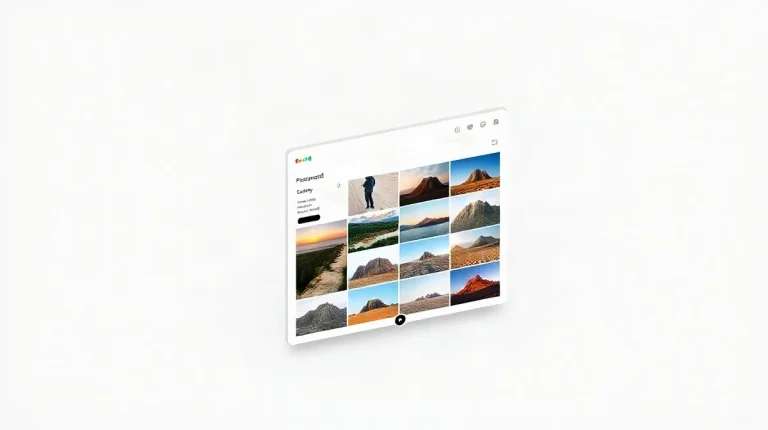
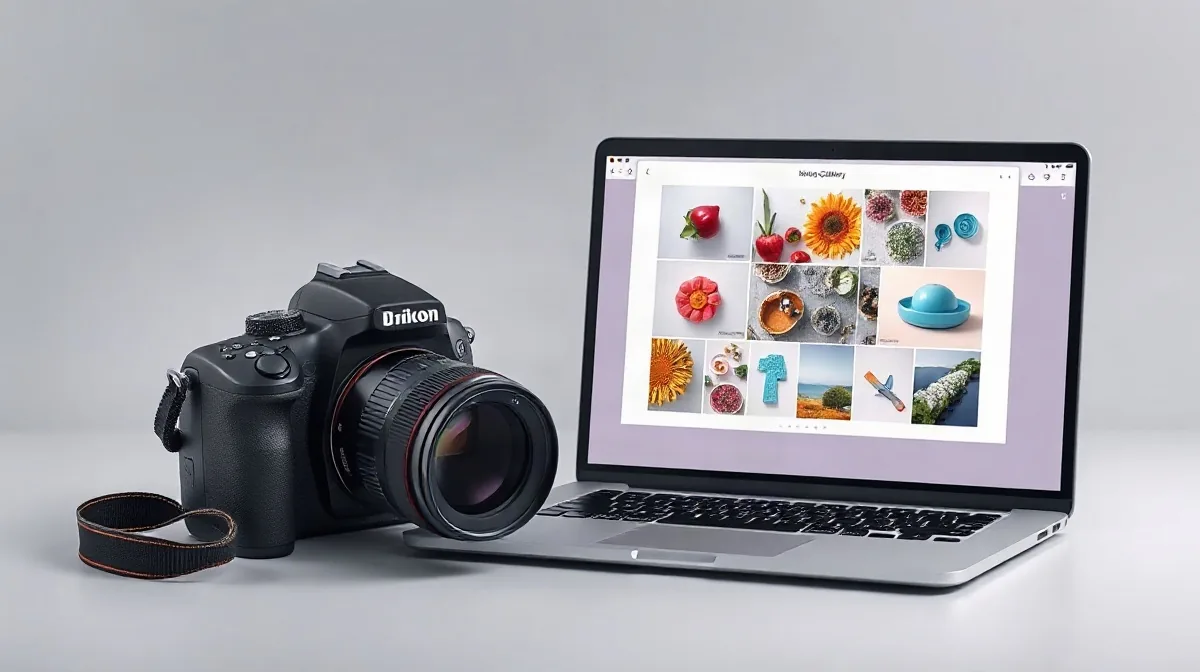
Build187 enables photographers to create dynamic image albums and galleries that are both visually engaging and highly customizable, streamlining the process of showcasing their work online. This tool focuses on flexibility and ease of use, allowing photographers to craft personalized presentations that enhance viewer experience and highlight their unique style.
For photographers seeking to elevate their online portfolios, Build187 offers a practical solution that balances design freedom with functionality. By integrating features such as responsive layouts, interactive elements, and seamless navigation, it addresses the essential needs of modern image galleries. This article explores how Build187 stands out in the landscape of gallery-building tools, providing insight into its capabilities and benefits for creative professionals.
Understanding how dynamic image albums and galleries fit into the broader context of photography presentation is key to making informed choices. For a more comprehensive understanding of gallery types and their roles, see our detailed overview titled «Comprehensive Guide to Galleries: Understanding Their Role and Varieties in Photography». This background enriches the discussion of Build187’s specific approach to gallery creation and management.
| Plan | Monthly Price (USD) | Storage | Client Proofing | Priority Support |
|---|---|---|---|---|
| Basic | $19.99 | 100 GB | Yes | No |
| Plus | $39.99 | 500 GB | Yes | No |
| Pro | $79.99 | 1 TB | Yes | Yes |
How does Build187 enable photographers to create dynamic image galleries?
Build187 enables photographers to create dynamic image galleries by offering over 15 customizable layout templates, including grid, masonry, and carousel styles, supporting up to 5,000 high-resolution images per gallery with individual file sizes up to 50 MB. This flexibility allows tailored presentations that suit diverse photographic projects and client needs.
Customizability
- Gallery layouts: grid, masonry, carousel
- Template options: 15+ as of 2026
- Image capacity: up to 5,000 images per gallery
- Maximum file size: 50 MB per image
- Delivery formats: downloadable ZIP archives or individual image downloads
- Watermarking controls for image protection
These features enable photographers to present their work in visually appealing, personalized formats while maintaining control over image quality and distribution. The platform’s robust handling of large files makes it suitable for professional portfolios and large client galleries.
Client Interaction
Build187 integrates client proofing tools directly within the gallery interface, allowing photographers to receive feedback without requiring external communication platforms. This streamlined interaction helps photographers manage revisions and approvals efficiently, improving client collaboration and speeding up project turnaround times.
What pricing models does Build187 offer for photographers managing galleries?
Subscription Tiers
Build187 offers monthly subscription plans tailored for photographers managing galleries, starting at $19.99 for the Basic tier, which includes 100 GB of storage. The Pro tier costs $79.99 per month and provides 1 TB of storage along with priority customer support. Both plans grant access to the platform’s full gallery features, and there is a 14-day free trial available without requiring credit card information. Photographers opting for annual billing can save up to 20% compared to monthly payments, making long-term commitments more cost-effective.
Add-ons
- Custom domain integration is available for an additional $9.99 per month, allowing photographers to brand their galleries with personalized URLs.
- Extra storage can be purchased at $10 per each additional 100 GB, accommodating expanding image collections beyond base plan limits.
These add-ons provide flexibility for photographers who need more storage or prefer a unique web address to enhance their professional presentation. The combination of tiered plans and optional services ensures Build187 can scale with various professional needs and budgets.
How do Build187's gallery management features support workflow efficiency?
Build187 enhances workflow efficiency through automated image tagging, bulk editing capabilities, seamless integration with leading editing software, and scheduled publishing, significantly reducing manual tasks and streamlining gallery management for photographers.
Automation
Automated image tagging in Build187 leverages AI-based metadata extraction to reduce the time spent on manual cataloging by approximately 40%. This feature accelerates organizing large photo collections by automatically assigning relevant tags based on image content. Additionally, bulk editing tools allow photographers to apply simultaneous adjustments—such as exposure correction, cropping, and watermarking—to batches of up to 200 images, saving hours compared to individual edits.
Integration
- Adobe Lightroom Classic: Enables direct import and export of edited images between Build187 and Lightroom, maintaining color profiles and metadata integrity.
- Capture One Pro: Supports seamless workflow by synchronizing image edits and metadata, facilitating uninterrupted editing and gallery updates.
- Scheduled Publishing: Allows photographers to set specific dates and times for albums to go live, an essential feature for managing event-based galleries and timed releases.
What limitations or common challenges do photographers face when using Build187?
Technical and Usability Constraints
Photographers using Build187 face several specific limitations, including the inability to display raw image files directly in galleries, necessitating conversion to JPEG or PNG formats before upload. Additionally, the mobile app version offers reduced functionality compared to the desktop interface, lacking advanced editing tools and bulk management features that many professionals require for efficient workflow.
- Raw image files (e.g., CR2, NEF) must be converted to JPEG or PNG, as Build187 galleries do not support raw formats natively.
- The Build187 mobile app does not include advanced editing or bulk photo management, features available only on the desktop platform.
- Photographers managing portfolios larger than 500 GB may need to upgrade from the base storage plan, which limits storage capacity and could incur higher monthly fees.
- Advanced customization options present a learning curve, with some users reporting difficulties in mastering them; this suggests a need for improved onboarding and tutorial resources.
When should photographers consider alternatives to Build187 for gallery management?
Suitability
Photographers should consider alternatives to Build187 when their workflow demands features not natively supported by this SaaS platform, such as raw file gallery display, offline client proofing, or advanced print ordering integrations. For example, if displaying raw images directly in client galleries is essential, platforms like Pixieset or SmugMug provide this capability as of 2026. Additionally, photographers who require offline review options or seamless print lab connections may find Build187 limiting compared to competitors offering built-in partnerships with print labs and offline proofing tools.
Alternative Solutions
- Pixieset and SmugMug: Offer native raw file display, supporting professional workflows that rely on unprocessed image previews in galleries.
- Gallery 3 and Piwigo: Are fully open-source, self-hosted gallery systems preferred by photographers prioritizing control over data and customization beyond what SaaS platforms like Build187 can provide.
- Dedicated DAM software: For large-scale commercial exhibitions, these solutions deliver more robust cataloging, metadata management, and digital rights handling, capabilities typically exceeding Build187’s scope.
Frequently asked questions
Can Build187 galleries be embedded into a photographer's existing website?
What image formats does Build187 support for uploads?
Is client proofing integrated within Build187’s galleries?
Does Build187 offer any discounts for annual subscriptions?
Key takeaways
- Build187 offers over 15 customizable gallery templates tailored to photographers’ needs
- Subscription plans range from $19.99 to $79.99 monthly with scalable storage up to 1 TB
- AI-powered automated image tagging improves workflow efficiency by roughly 40%
- Limitations include lack of raw file display and reduced mobile app features
- Alternatives should be considered for raw image display or offline client proofing needs